About
This project takes the excellent CYD-Klipper firmware and optimizes it for the Snapmaker U1 (4 hotends + heated chamber). The stock landscape UI is replaced with a purpose-built portrait interface: animated state illustrations, a file browser with thumbnails, and large touch-friendly controls.
Questions, feature requests, or bug reports? Open an issue on GitHub or reach out — happy to help.
Hardware requirements
- Display: CYD 2.8" — ESP32-2432S028R (no PSRAM variant)
- Printer: Snapmaker U1 running Klipper + Moonraker (port
7125) - Network: 2.4 GHz Wi-Fi (display and printer on the same network)
- Slicer: OrcaSlicer / Snapmaker Orca with
32x32thumbnails enabled for preview images
How it works
The display connects to Moonraker over Wi-Fi and mirrors the printer's state in real time. The screen automatically switches illustration and layout per state:
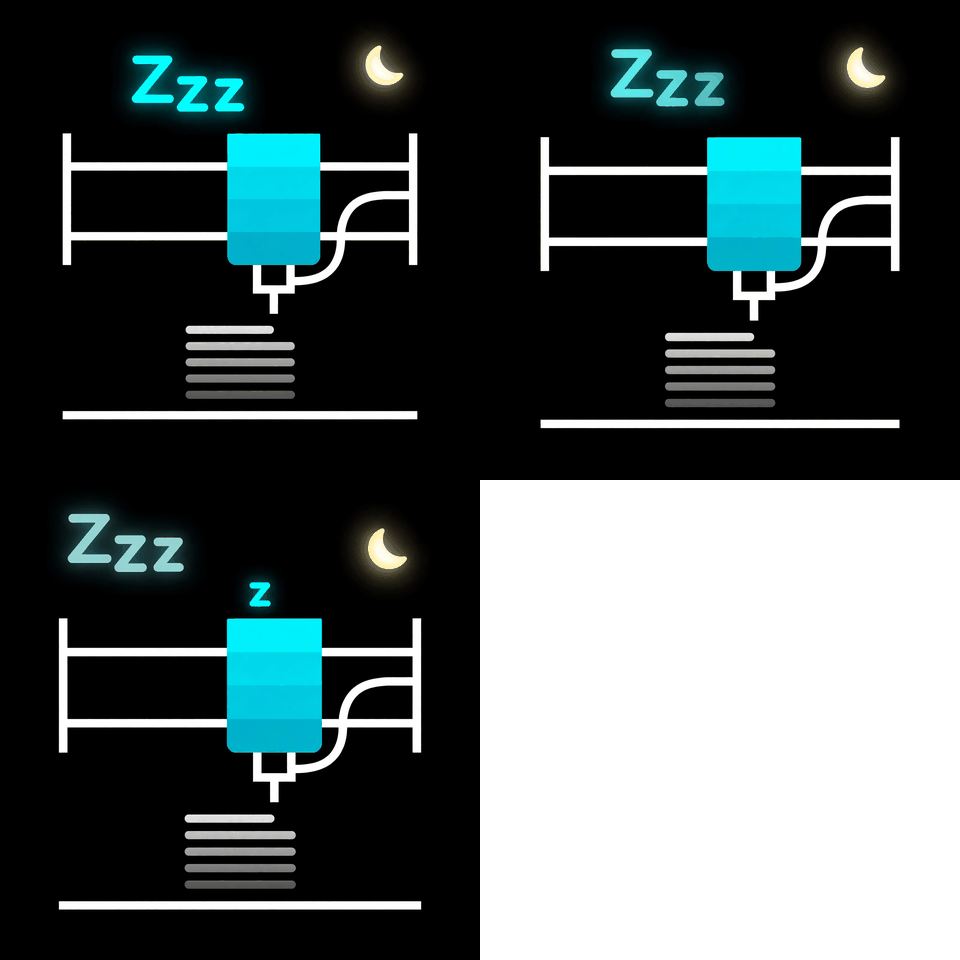
Idle / Ready
Dark sleeping screen with a calm moon animation. Tap START to browse .gcode files stored on the printer — each with its thumbnail — then confirm to print.
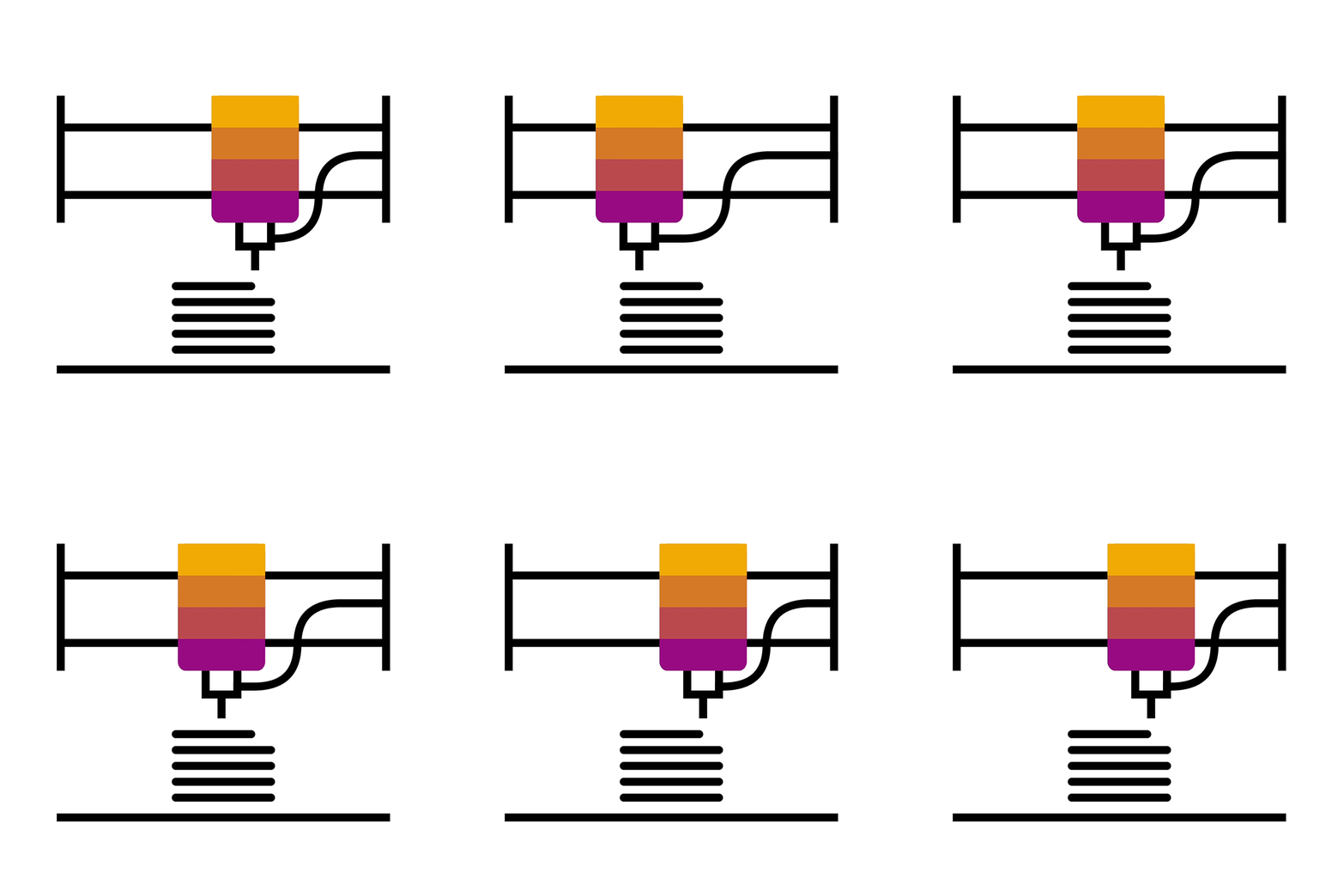
Printing
Animated printer illustration, live progress bar, current/total layer, remaining time, and temperatures for all 4 hotends, bed, and chamber. The active hotend's dot blinks. Pause/Resume and Stop buttons included.
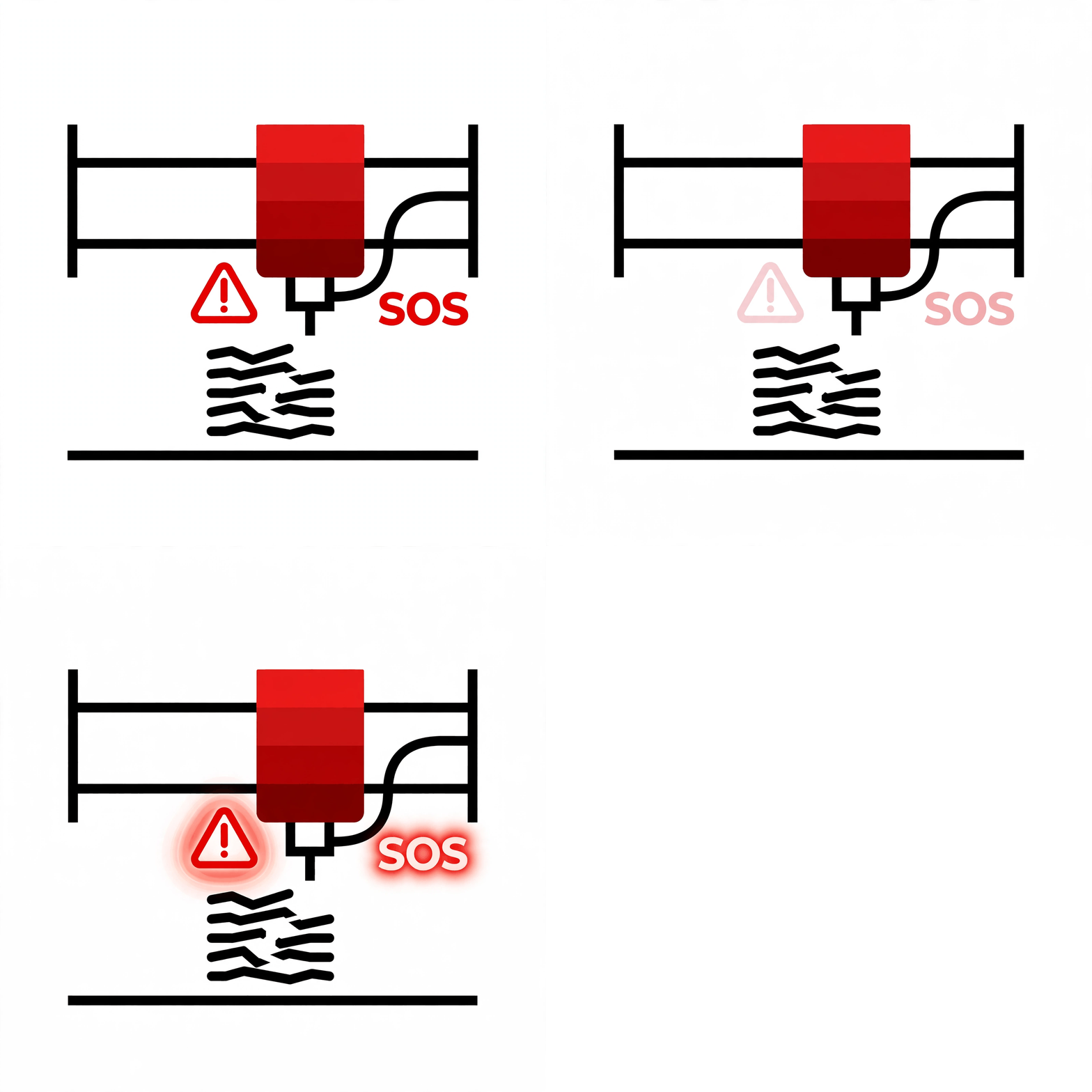
Error
Red alert animation with the printer's error message, so you notice a failed print at a glance.
Flash the firmware
- Connect the CYD display to your computer via USB.
- Use Chrome or Edge (WebSerial required).
- Click Install below and pick the display's serial port.
- Wait 1–2 minutes, then let the display reboot.
- After boot, hold BOOT for 8 seconds and touch the two calibration points to calibrate the touchscreen.
min_spiffs partition layout.
If coming from a different firmware, tick "Erase device" before installing.
Saved Wi-Fi credentials may be erased — re-enter them after flashing.